Source: AI Moment
Recently, after everyone’s SD has been updated to version 1.6, your controlnet processor has several more preprocessors. Then I will introduce to you the functions of these preprocessors one by one. What I would like to introduce to you today is ip-adapter. To put it simply, it is a function of padding pictures. We upload a picture to controlnet, and then through this preprocessor, our picture will be generated based on the uploaded picture, which is equivalent to mj. Mat function. So next I will explain this preprocessor to you in detail.
Step 1: Download the preprocessor
-
Although you have this preprocessor, you still lack this file, so you need to download the preprocessor.
-
I have uploaded it to Baidu Netdisk here, you can download it by yourself.
Extraction code: aqzk
aqzk
Decompression code: none
- After everyone downloads it, put it in H:\SD\sd-webui-aki\sd-webui-aki-v4.2\sd-webui-aki-v4.2\extensions\sd-webui-controlnet\annotator \downloads.
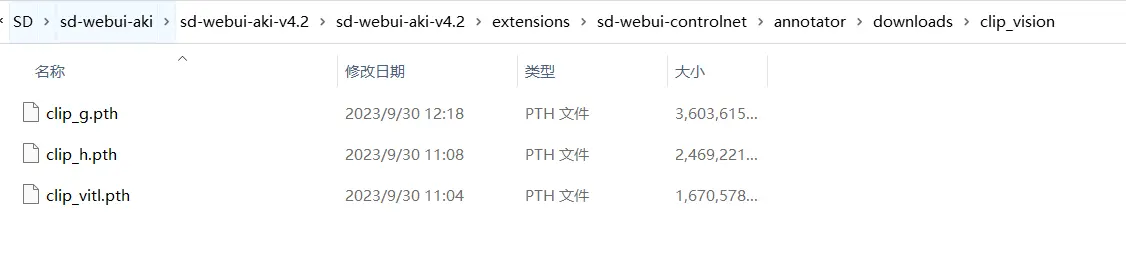
Step 2: How to use
- Let’s create a random picture first. For example, I created this picture here.
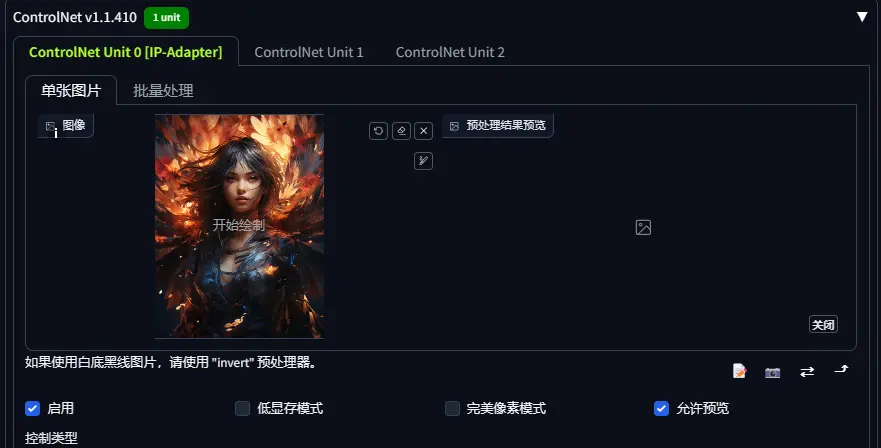
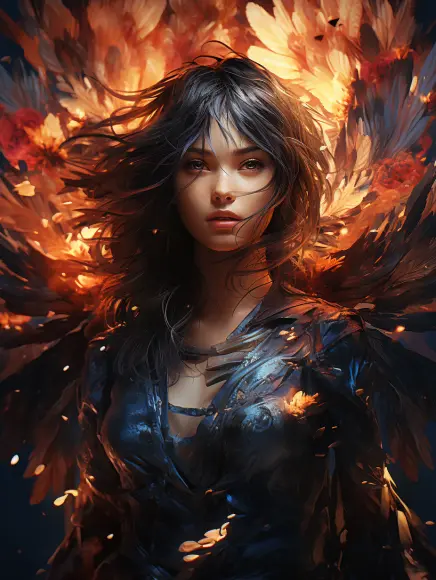 02. Here we open controlnet and upload this picture.
 04. Our preprocessor and model follow me to choose.
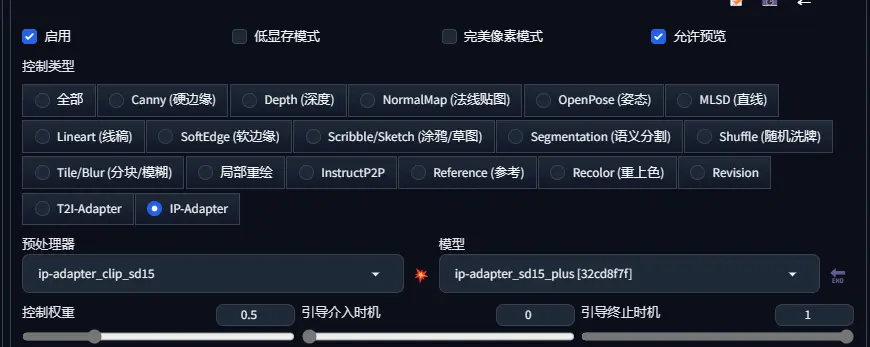 There are two types of preprocessors, one supports sd1.5 and the other supports sdxl. Because of my configuration, I will only demonstrate the sd1.5 one. You can study the xl one by yourself.
- You can change the control weight according to the effect. Here I choose 0.5, and then we click to preview.
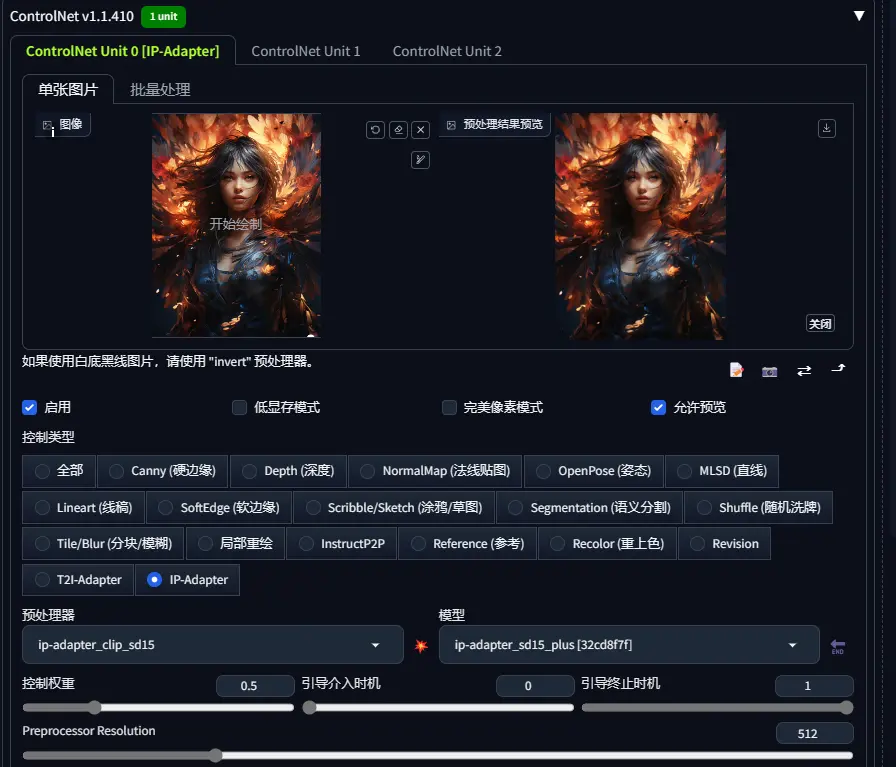 06. Let’s go back to the prompt word part. We enter a boy. For the model, everyone also needs to choose a suitable model. Here I choose a chocolate male model.
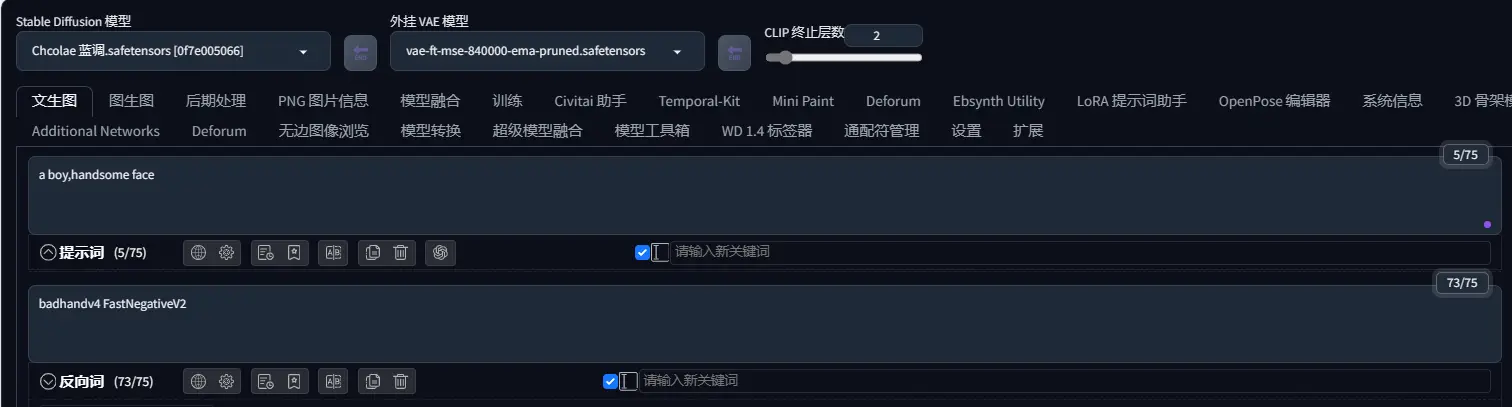 07. We click Generate. (Don’t forget to synchronize the size of the image here)
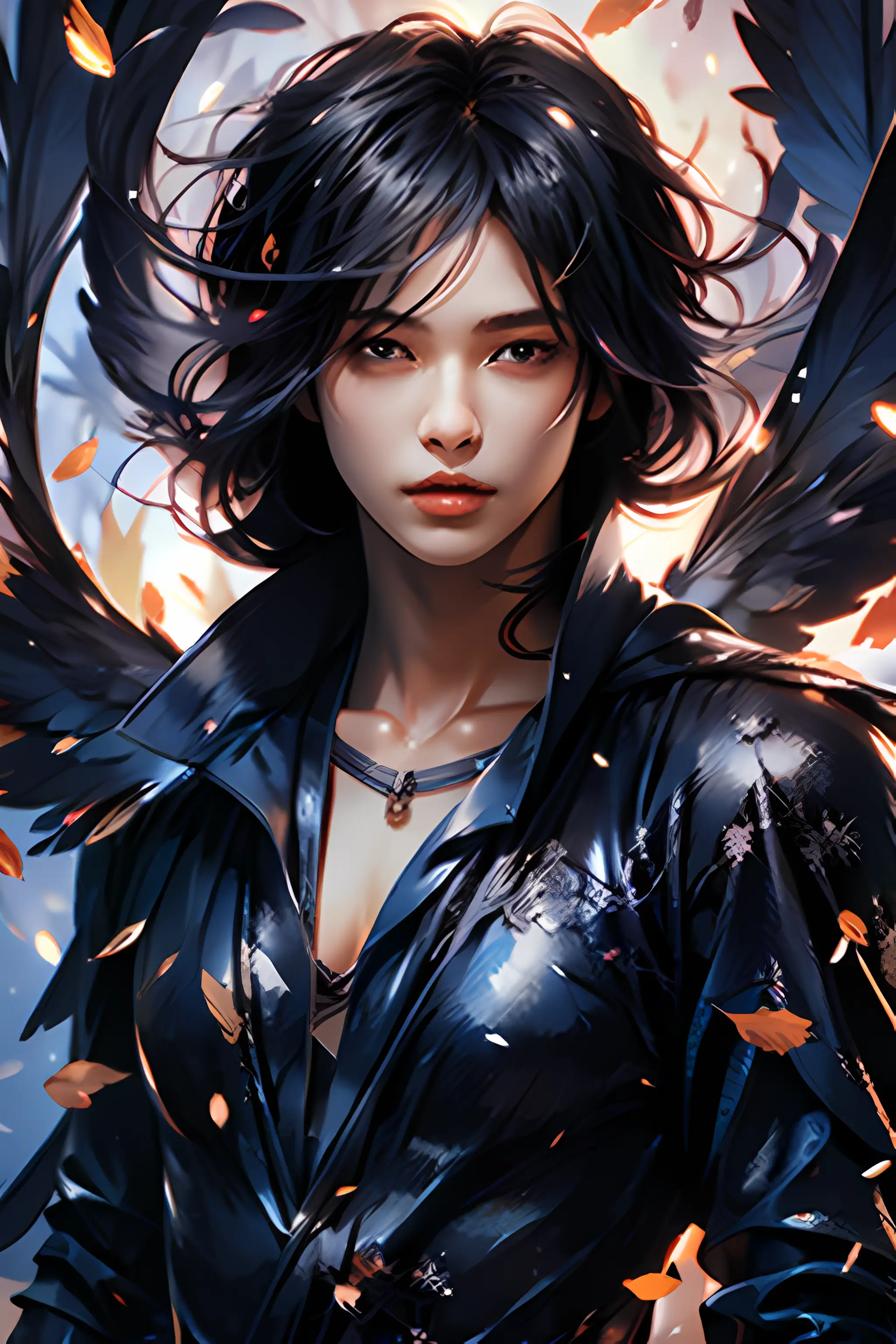 How about it? How does it compare with Mj’s pad map? I think it’s pretty good. So we might as well raise the weight a little bit. Here I raise it to 0.7 and we click Generate again.
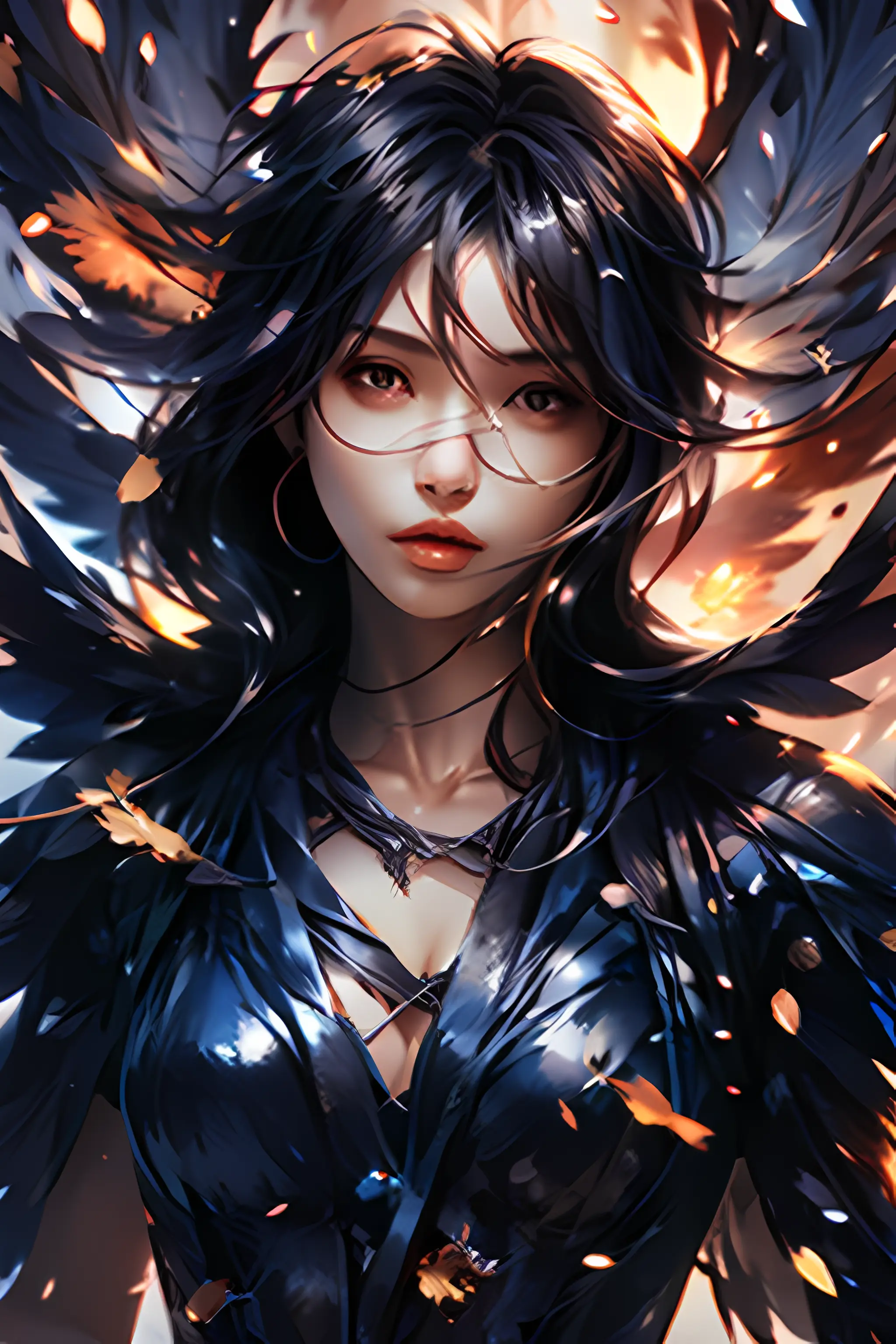 We can see that the style is getting more and more similar to the original picture, but boys’ understanding of our prompt words is lower, causing the generated pictures to be more like girls.
- So how do you feel about the effect here? I will give you some pictures.
Original picture:
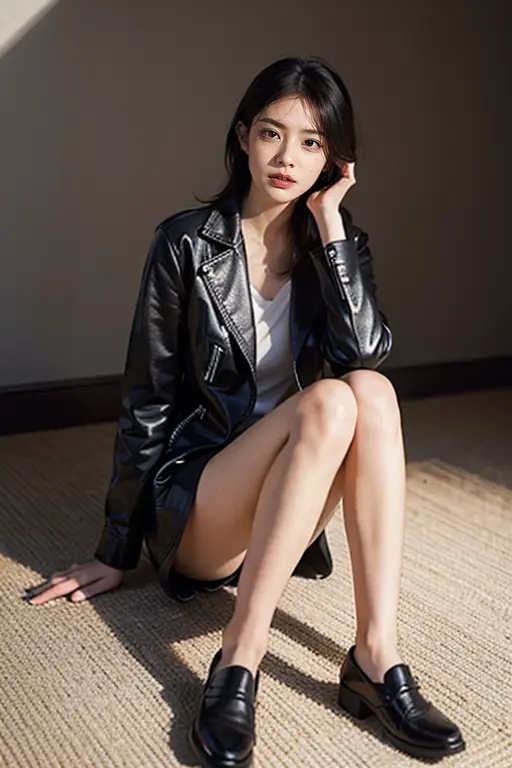 Generate graph:
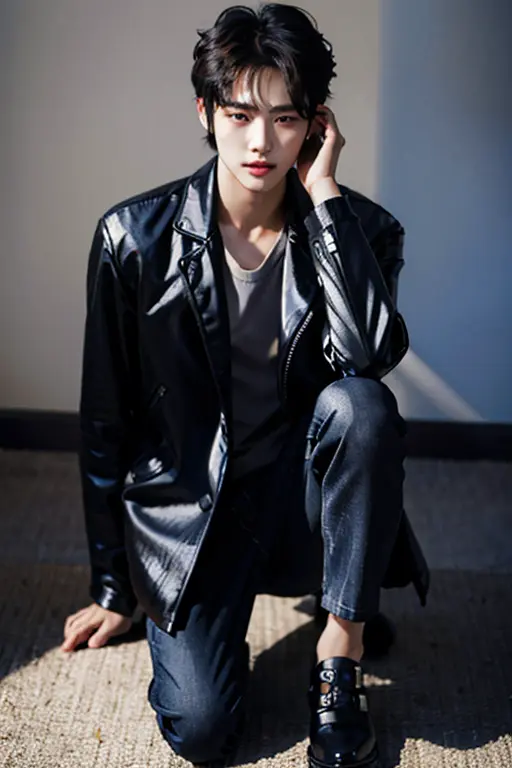 It can be said that the effect is still good, but there are still many changes in some specific details.
Step 3: Principle Analysis
-
Principle: prompt word + controlnet picture = generated picture.
-
Prompt word: A handsome boy.
Original picture:
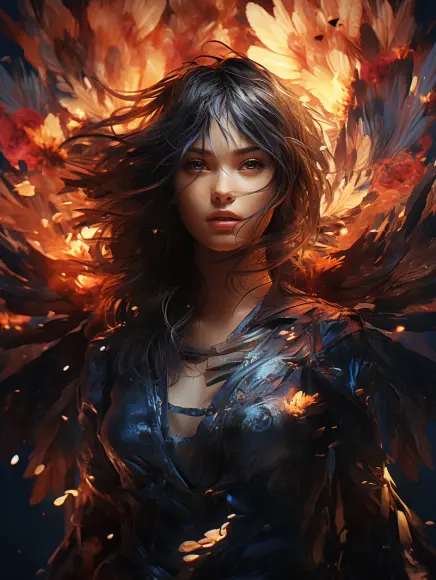 Generate graph.
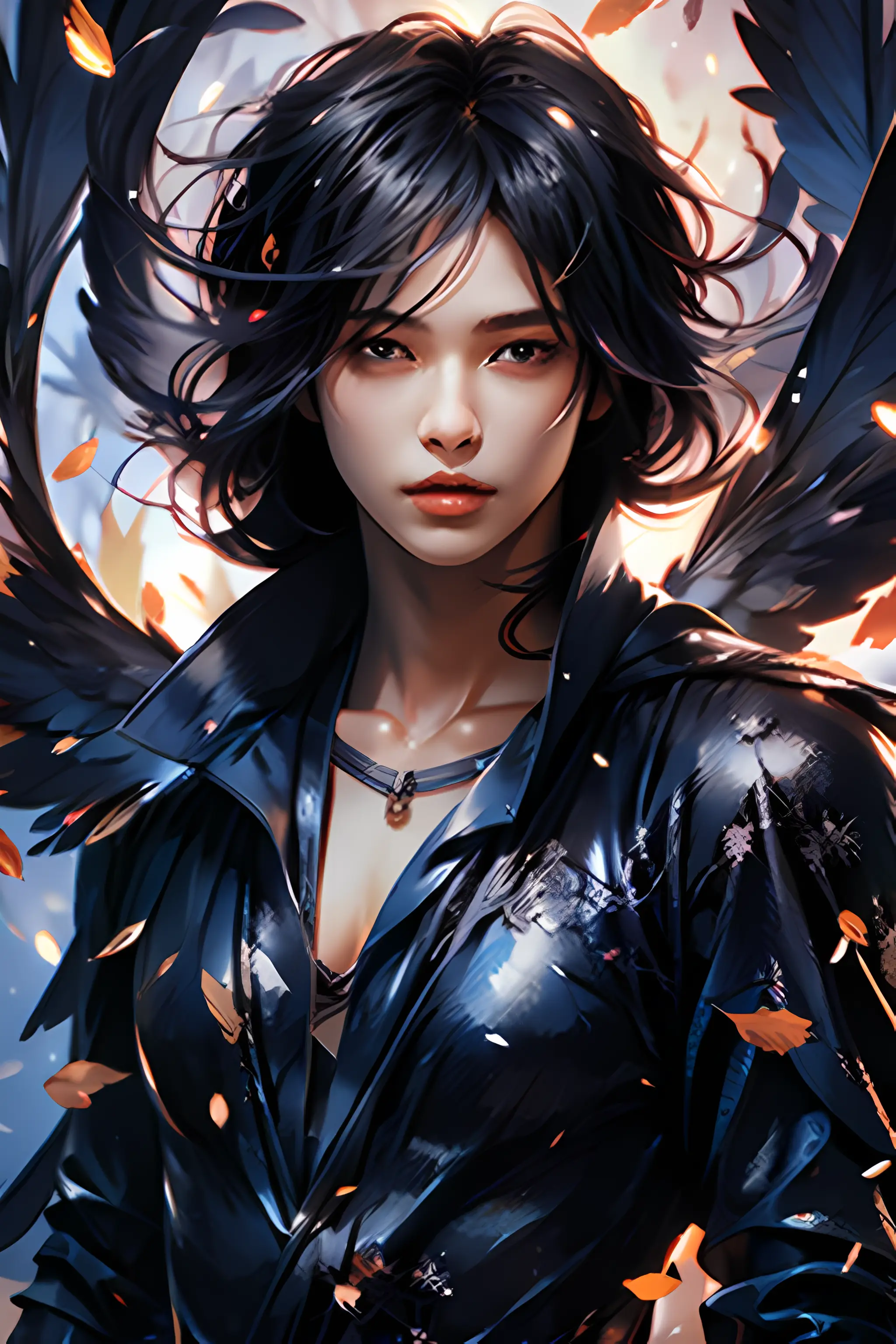 Okay, that’s all for today. If you are interested, go and try it!
Disclaimer: The information on this page may come from third parties and does not represent the views or opinions of Gate. The content displayed on this page is for reference only and does not constitute any financial, investment, or legal advice. Gate does not guarantee the accuracy or completeness of the information and shall not be liable for any losses arising from the use of this information. Virtual asset investments carry high risks and are subject to significant price volatility. You may lose all of your invested principal. Please fully understand the relevant risks and make prudent decisions based on your own financial situation and risk tolerance. For details, please refer to
Disclaimer.


